
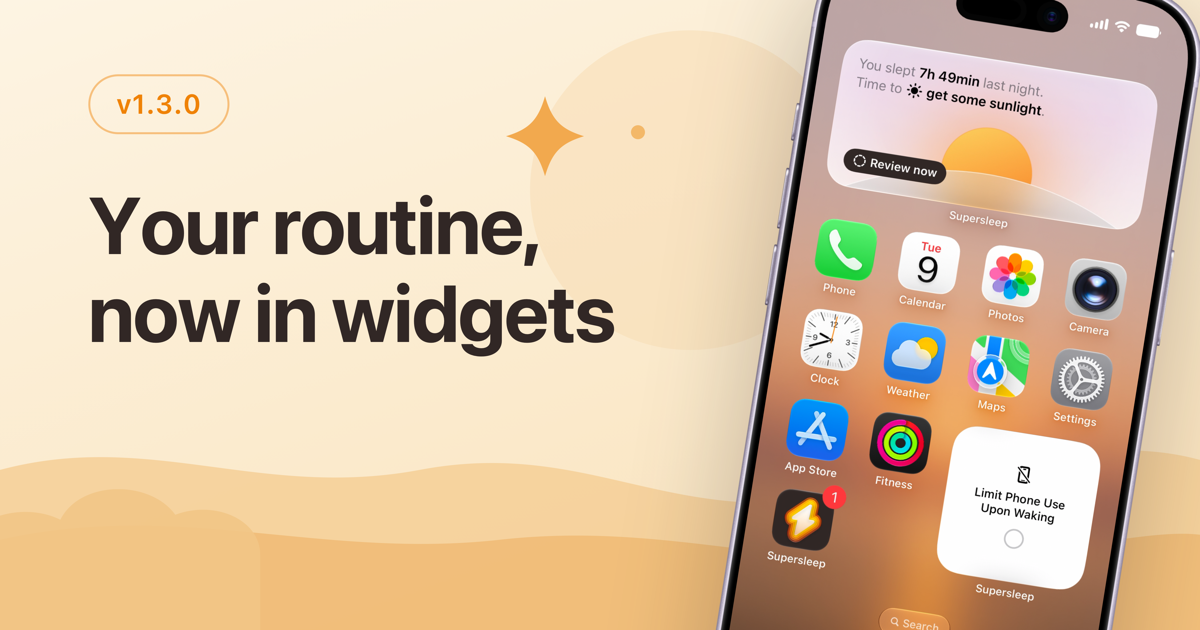
Until now, following your routine meant opening Supersleep. This update puts it where you already look.
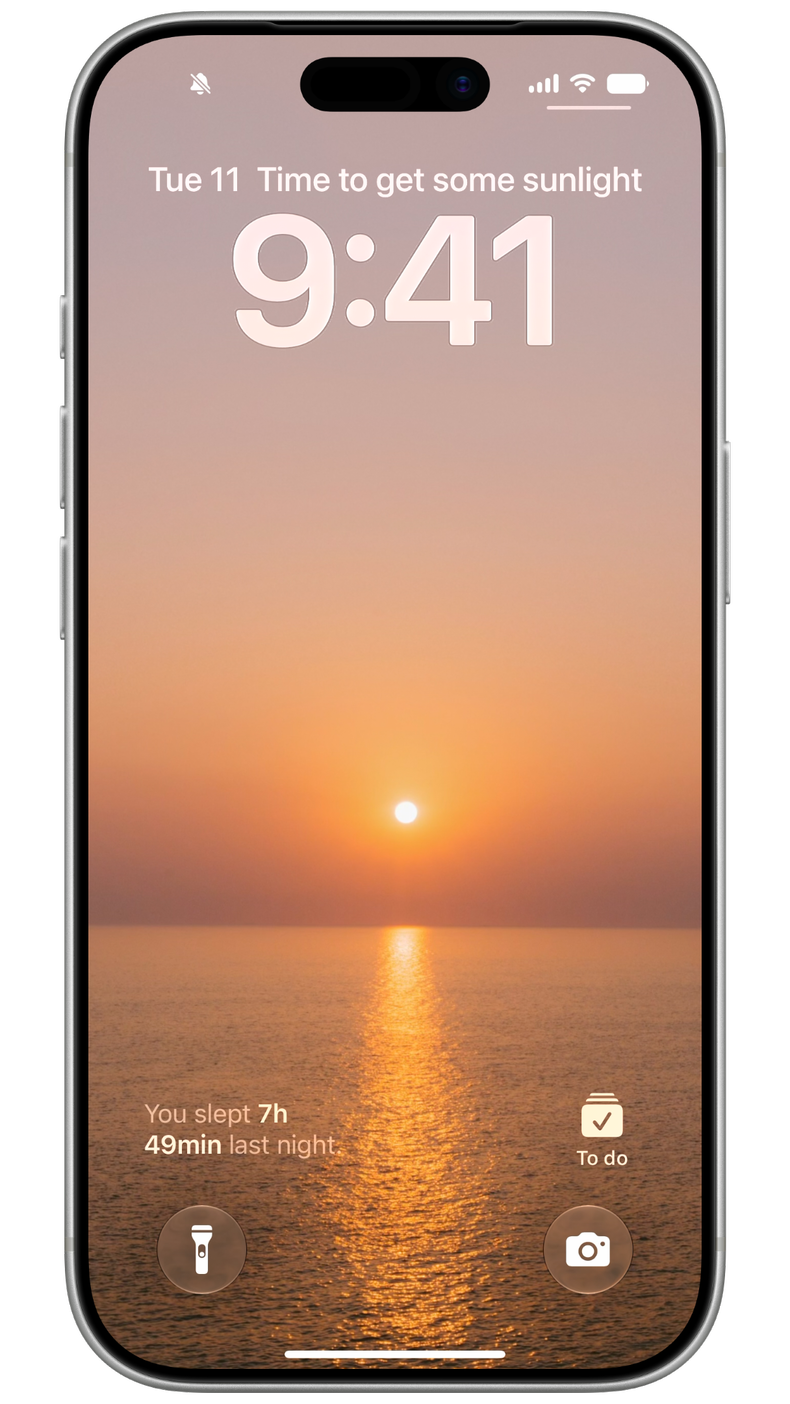
Ten new widgets bring your routine to your Home Screen and Lock Screen: the habit it's time for right now, how long until bedtime, how much sleep is left, and whether you've done today's check-in. The Habits widget goes further and lets you tick habits off without opening the app at all.
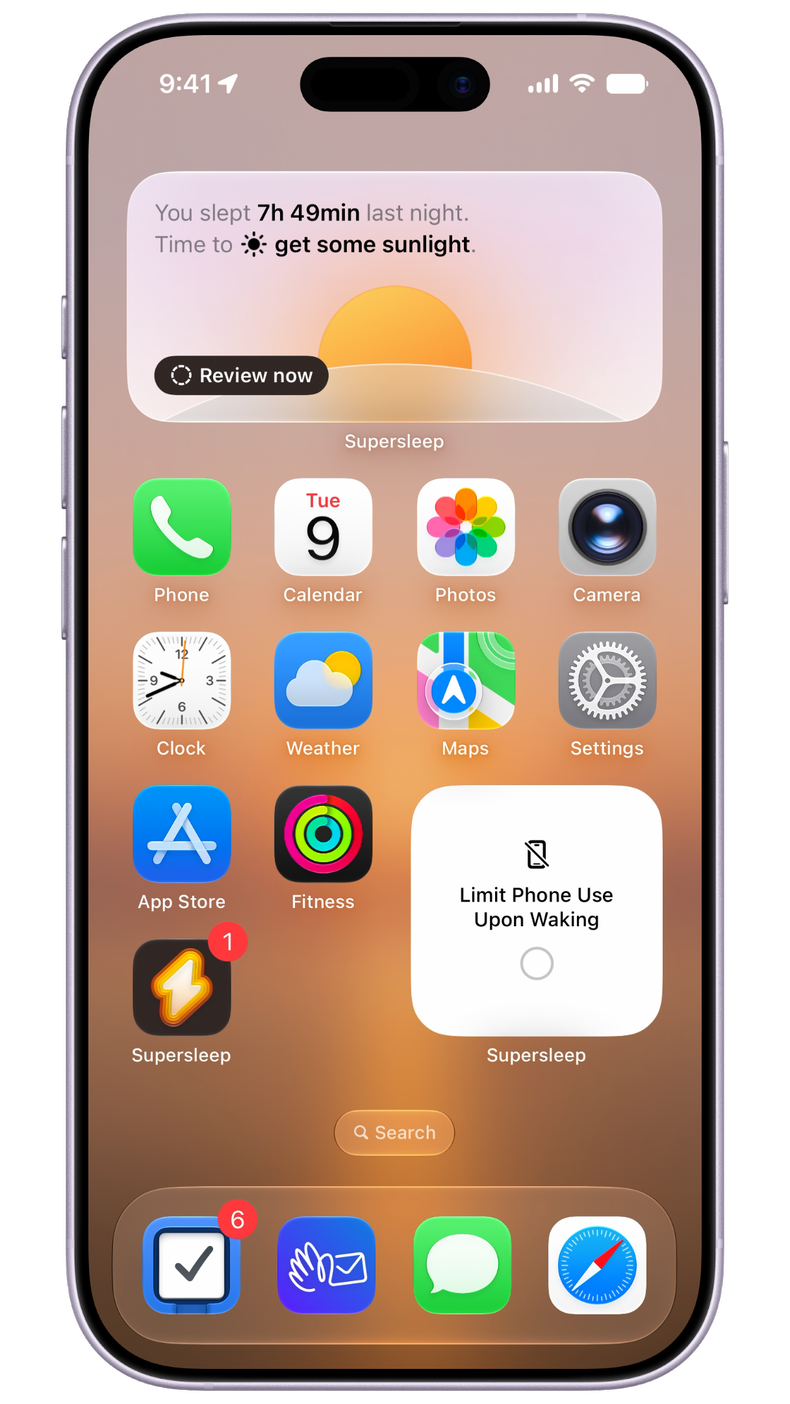
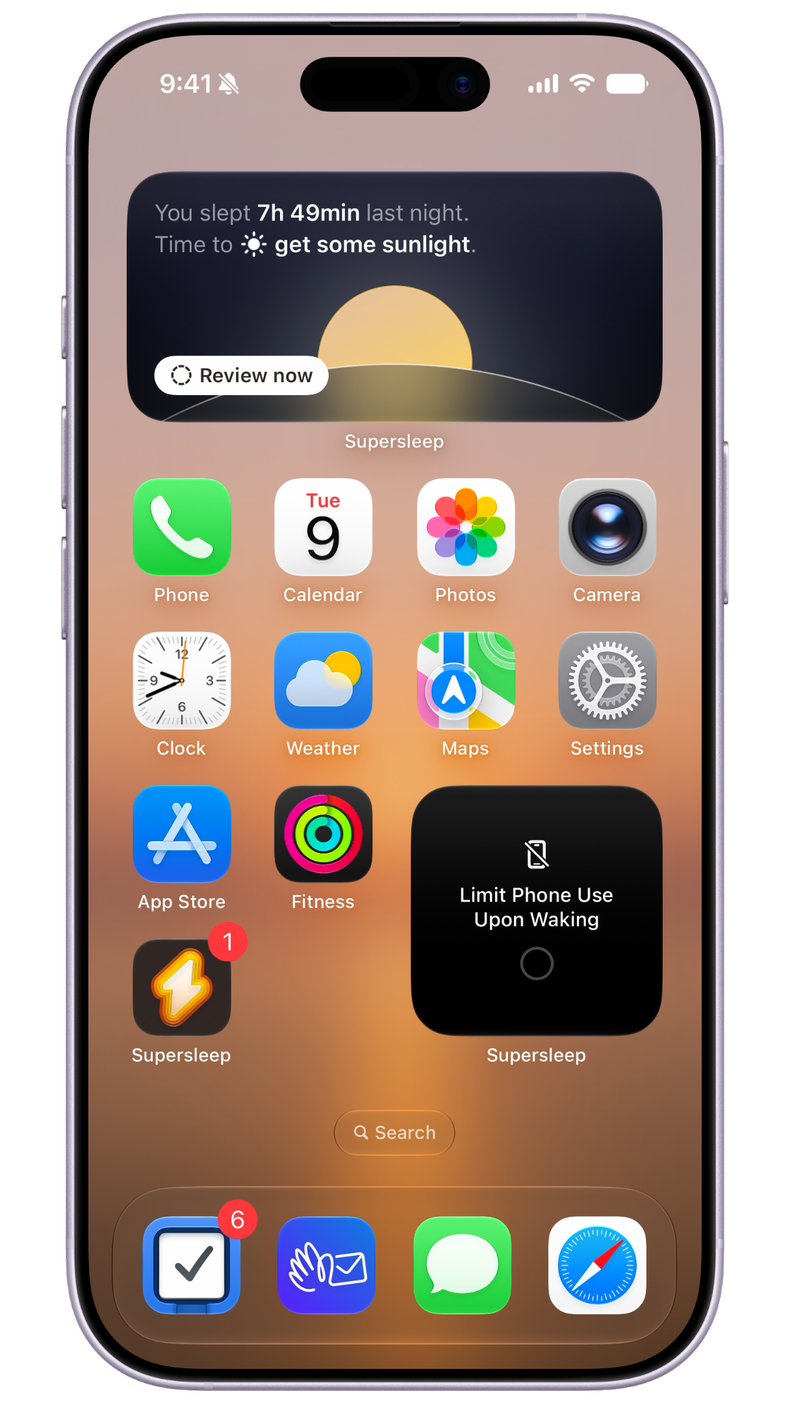
There are also three charts for your last seven nights, showing your bedtimes, wake-up times, and sleep duration against the goals you set, so you can spot a drifting week without going looking for it.
New
- Widgets: Put your routine, tonight's habit, and your sleep charts on the Home Screen, and check off habits without opening the app.
- Lock Screen widgets: See what's next and log your daily check-in at a glance.
- Weekly insight: A short, personal read on how you actually slept this week.
Improvements
- Habits is now Routine, grouped by time of day so your evening reads top to bottom.
- Touch and hold any sleep chart to read a single night's numbers.
- Rebuilt onboarding that asks about your sleep first and tailors the setup around your answers.
Fixes
- Charts and cards no longer flash empty when the app cold starts.
- Fixed layout issues and visual glitches across the app.